
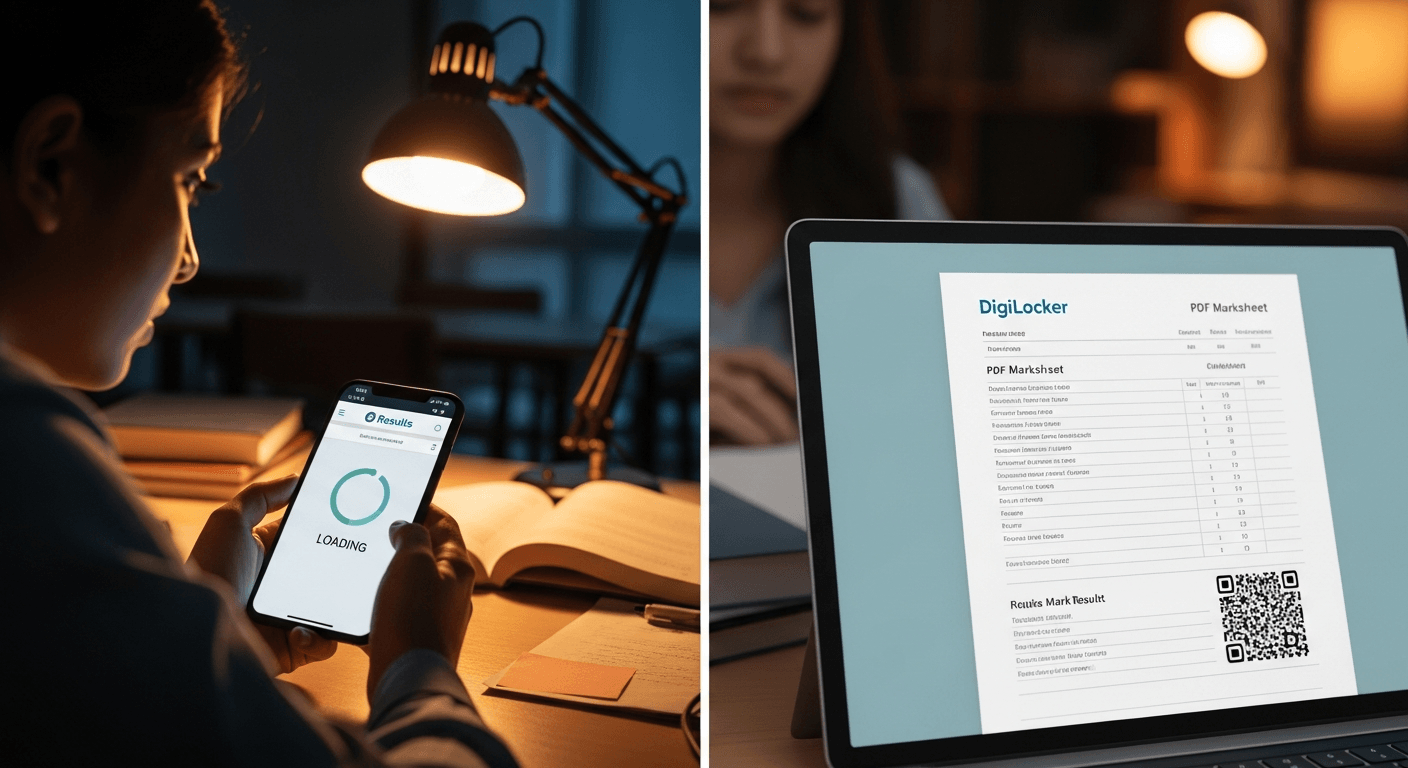
TN 12th Result 2026
I know how charged the air feels on result day. Today the Tamil Nadu +2 (Class XII) results were declared — and, as often happens when millions check at once, the official result portals overloaded and crashed. If you can’t reach the board website right now, don’t panic. I want to walk you through a reliable alternative: checking your score on DigiLocker, what to do if DigiLocker is also slow, how to verify your marksheet, and the sensible next steps once you have your result.
"We are working round the clock to restore access and mirror the results to trusted platforms," said an education official. "Priority is authenticity and timely access for students."
"I refreshed the site for 30 minutes before trying DigiLocker — that saved me a panic attack," shared a student.
Why DigiLocker? I’ve written about the promise of DigiLocker before and why it matters for education documents — see my piece DigiLocker: the buck stops here for background on authenticity and document issuance.
Quick checklist (before you start)
- You need a DigiLocker account (web or mobile app).
- Your mobile number should be registered with DigiLocker (or your Aadhaar linked to DigiLocker for fetching issued documents).
- Keep your phone nearby for OTP verification.
- Know your board details (board name: Directorate of Government Examinations, Tamil Nadu) and exam year (2026).
Step-by-step: How I check my TN 12th marks on DigiLocker
- Open digilocker.gov.in or the DigiLocker mobile app.
- Sign in with your mobile number or Aadhaar-linked account.
- If using mobile-only: enter your phone, receive OTP, and authenticate.
- If using Aadhaar: choose the Aadhaar sign-in flow and authenticate via OTP (this may require the OTP to the Aadhaar-linked mobile).
- After login, go to "Issued Documents" or use the search box and type "marksheet" or "Tamil Nadu Directorate of Government Examinations".
- Look for documents labelled as "HSC/Plus Two Marksheet" or similar for 2026.
- Open the document — DigiLocker-issued marksheets will be digitally signed and show issuing authority details.
- Download the signed PDF and save it to your device (also save a backup to Google Drive or another secure storage).
Notes on OTP and authentication
- DigiLocker uses OTPs for two-factor authentication. Expect a 6-digit OTP sent to your registered mobile number.
- If the OTP doesn’t arrive, wait a minute and retry; avoid requesting OTPs too rapidly (rate limits apply).
If DigiLocker is slow or inaccessible
- Try the DigiLocker mobile app — sometimes the app is more responsive than the web portal.
- Use a different network (mobile data vs home broadband) or a different device.
- Wait 15–30 minutes and try again. Peak traffic usually subsides as the first wave of checks finishes.
- Contact your school: schools often receive official digital copies and can provide immediate access.
- As a backup, check SMS services or the board’s official helpline numbers for shortcodes that some boards provide.
- If all online options fail, visit your school the next working day for a printed mark sheet or provisional certificate.
How to verify the authenticity of the digital marksheet
- Look for a digital signature and the issuing authority name (Directorate of Government Examinations, Tamil Nadu).
- DigiLocker-issued documents include a QR code — scanning it should open the DigiLocker verification page for that document.
- The PDF should show an issuance date and an issuer reference/serial.
- If in doubt, use the DigiLocker "Verify Document" feature or ask your school to confirm the digital record.
What to do after you’ve checked your score
- Download and save multiple copies (device, cloud backup, email to yourself).
- If you’re unhappy with any marks, note the last date for revaluation/rechecking and the board’s revaluation procedure.
- If you’re applying for college counselling, keep the digital marksheet and any provisional certificates ready.
- Collect the original printed mark sheet from your school when they issue it.
- Take a moment for yourself — results are emotional. Reach out to family, teachers, or trusted friends.
Potential causes of the official websites crashing
- Massive simultaneous traffic (millions accessing at once).
- Insufficient server capacity or misconfigured load balancers.
- CDN or DNS issues preventing proper routing.
- Database bottlenecks when generating dynamic result pages.
- Malicious attacks (DDoS) — rare but possible.
Likely timeline and restoration steps (what I expect from authorities)
- Short term (minutes–hours): throttle, add temporary caching, and serve static result pages or mirror to DigiLocker and other trusted platforms.
- Medium term (hours): scale up servers, fix configuration issues, and restore database connections.
- Communication: the board typically issues advisories on social media and helplines; follow those channels for official updates.
FAQ
Q: How long until sites are back up? A: Often within a few hours. If the board mirrors results to DigiLocker, that can be faster.
Q: Is the DigiLocker marksheet legally valid? A: Yes. DigiLocker documents issued by the board are digitally signed and accepted as authentic under Indian rules.
Q: What if my marks are missing or wrong on DigiLocker? A: Contact your school immediately and follow the board’s correction/revaluation process.
Q: I don’t have DigiLocker — what now? A: Create an account with your mobile or Aadhaar, or ask your school to share the issued digital marksheet.
I know how anxious result day feels. Use DigiLocker as your reliable backup when portals fail, save the signed PDF, and then plan the small next steps — revaluation, counselling, or celebration. I’m rooting for you.
Regards,
Hemen Parekh
Any questions / doubts / clarifications regarding this blog? Just ask (by typing or talking) my Virtual Avatar on the website embedded below. Then "Share" that to your friend on WhatsApp.
Get correct answer to any question asked by Shri Amitabh Bachchan on Kaun Banega Crorepati, faster than any contestant
Hello Candidates :
- For UPSC – IAS – IPS – IFS etc., exams, you must prepare to answer, essay type questions which test your General Knowledge / Sensitivity of current events
- If you have read this blog carefully , you should be able to answer the following question:
- Need help ? No problem . Following are two AI AGENTS where we have PRE-LOADED this question in their respective Question Boxes . All that you have to do is just click SUBMIT
- www.HemenParekh.ai { a SLM , powered by my own Digital Content of more than 50,000 + documents, written by me over past 60 years of my professional career }
- www.IndiaAGI.ai { a consortium of 3 LLMs which debate and deliver a CONSENSUS answer – and each gives its own answer as well ! }
- It is up to you to decide which answer is more comprehensive / nuanced ( For sheer amazement, click both SUBMIT buttons quickly, one after another ) Then share any answer with yourself / your friends ( using WhatsApp / Email ). Nothing stops you from submitting ( just copy / paste from your resource ), all those questions from last year’s UPSC exam paper as well !
- May be there are other online resources which too provide you answers to UPSC “ General Knowledge “ questions but only I provide you in 26 languages !


No comments:
Post a Comment